Cleaning Routines & Systems
How to Build a Minimalist Cleaning Routine
Declutter-first system that makes actual cleaning dramatically faster.
Read the post →
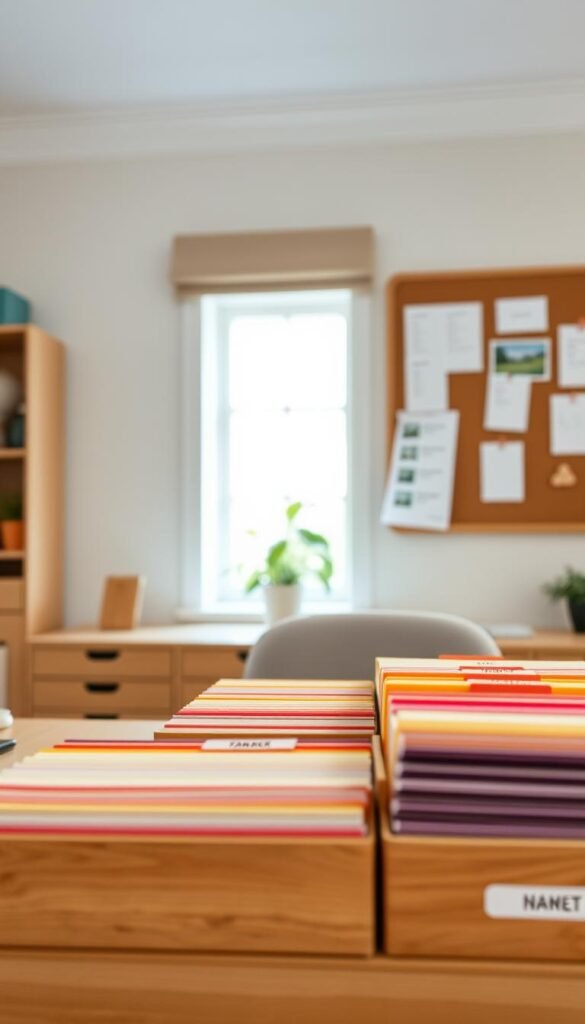
Paper clutter has a way of hiding in plain sight — a stack on the counter, a pile on the desk, an envelope you're "getting to." None of it looks urgent until the one day you actually need something specific, and it takes twenty minutes of digging to find it.
A simple filing system fixes this with surprisingly little effort. You don't need a filing cabinet with forty labeled folders. You need one home for papers, a handful of categories that match your real life, and a five-minute habit that keeps it from backing up.
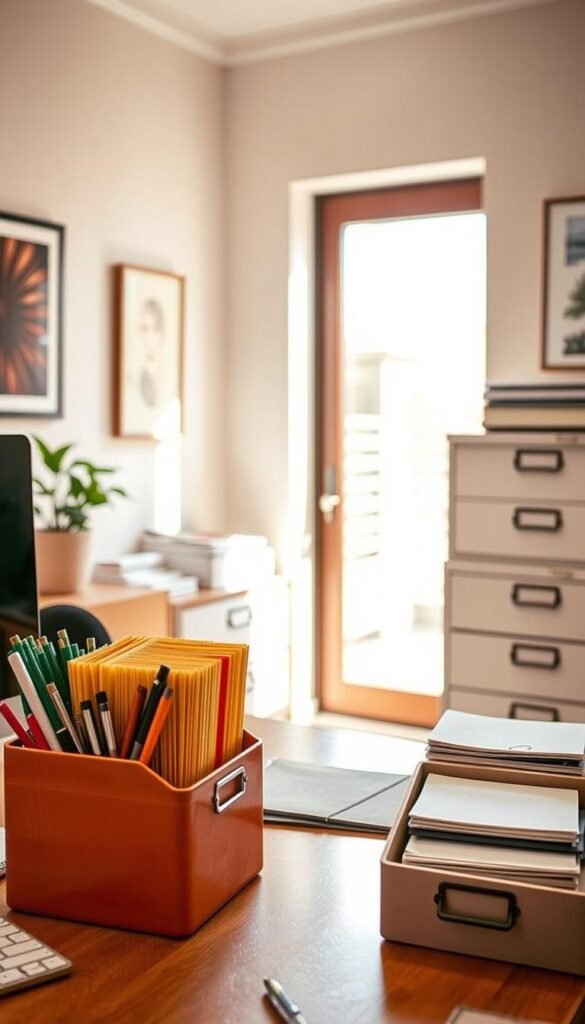
One box, expanding folder, or small filing cabinet — whatever fits your space and papers. A handful of labeled folders or dividers. A shredder or shred bin is genuinely useful here, but not required.
| Category | What goes in it | Keep how long |
|---|---|---|
| Bills & statements | Utility, credit card, bank statements | 1 year, then shred |
| Tax documents | W-2s, receipts, filed returns | 7 years |
| Medical | Records, insurance EOBs, prescriptions | Ongoing / as advised by provider |
| Warranties & manuals | Appliance and electronics paperwork | Life of the item |
| Keep forever | Birth certificates, deeds, ID documents | Permanently — consider a fireproof box |
Once a week, spend five minutes emptying the "in" tray into the right folders, and the "out" tray into envelopes or your bag. This is the entire maintenance cost of the whole system — everything else is a one-time setup.
Skip color-coding every category unless it genuinely helps you — it's a nice touch, not a requirement. Skip scanning and digitizing everything as a first step; that's a much bigger project you can tackle later if you want to, once the physical system is already working. And skip trying to build the "perfect" category list before you start — adjust categories as you go, once you see what actually shows up.
Should I switch to fully digital instead?
You can, but it's a bigger shift with its own habits to build (scanning, naming files, backing up). Many households do best with a hybrid: digital for things they'll search for, physical for anything that needs an original signature or seal.
What about papers I'm not sure I need?
When in doubt, keep it for one year in a general folder rather than agonizing over the decision. If you never reach for it in that year, it's safe to let go.
How do I handle papers for multiple family members?
Give each person their own folder within shared categories (Medical – Mom, Medical – Kids) rather than creating entirely separate systems. It keeps the hub singular and easy to maintain.
Pair this with a full home management system — the free Weekly Cleaning Schedule includes a simple paperwork reset.
Get the Free Weekly ChecklistA calm paper system doesn't need to be elaborate — it needs one hub, a handful of real categories, and five minutes a week. Set it up once, and the pile stops coming back.
Declutter-first system that makes actual cleaning dramatically faster.
Read the post →A gentle, step-by-step reset to start the school year calm instead of chaotic.
Read the post →