
Home Management & Family Systems · Back to School

A family command center sounds like something that needs a giant wall, matching acrylic calendars, and a label maker. It doesn't. The useful version is simply one place where the information and papers that keep family life moving can land, be seen, and be acted on.
During the school year, that matters because information arrives from everywhere: backpacks, email, school apps, sports schedules, appointment reminders, permission slips, and handwritten notes. Without a home, all of it competes for space on the kitchen counter — and for space in your head.
A command center has one job: make the next action visible. It should tell you what is happening, what needs attention, and where incoming paper goes. If it becomes a display wall for information nobody checks, simplify it.
The five pieces worth including
| Piece | Purpose | Keep it simple |
|---|---|---|
| Family calendar | Shows events that affect the household | One shared view |
| Paper inbox | Catches unsorted school paper | One tray |
| Action folder | Holds forms that require a response | Sign / return only |
| Weekly info | Shows recurring essentials | One small list |
| Out-the-door zone | Connects information to belongings | Nearby hooks or basket |
1. Start with one family calendar
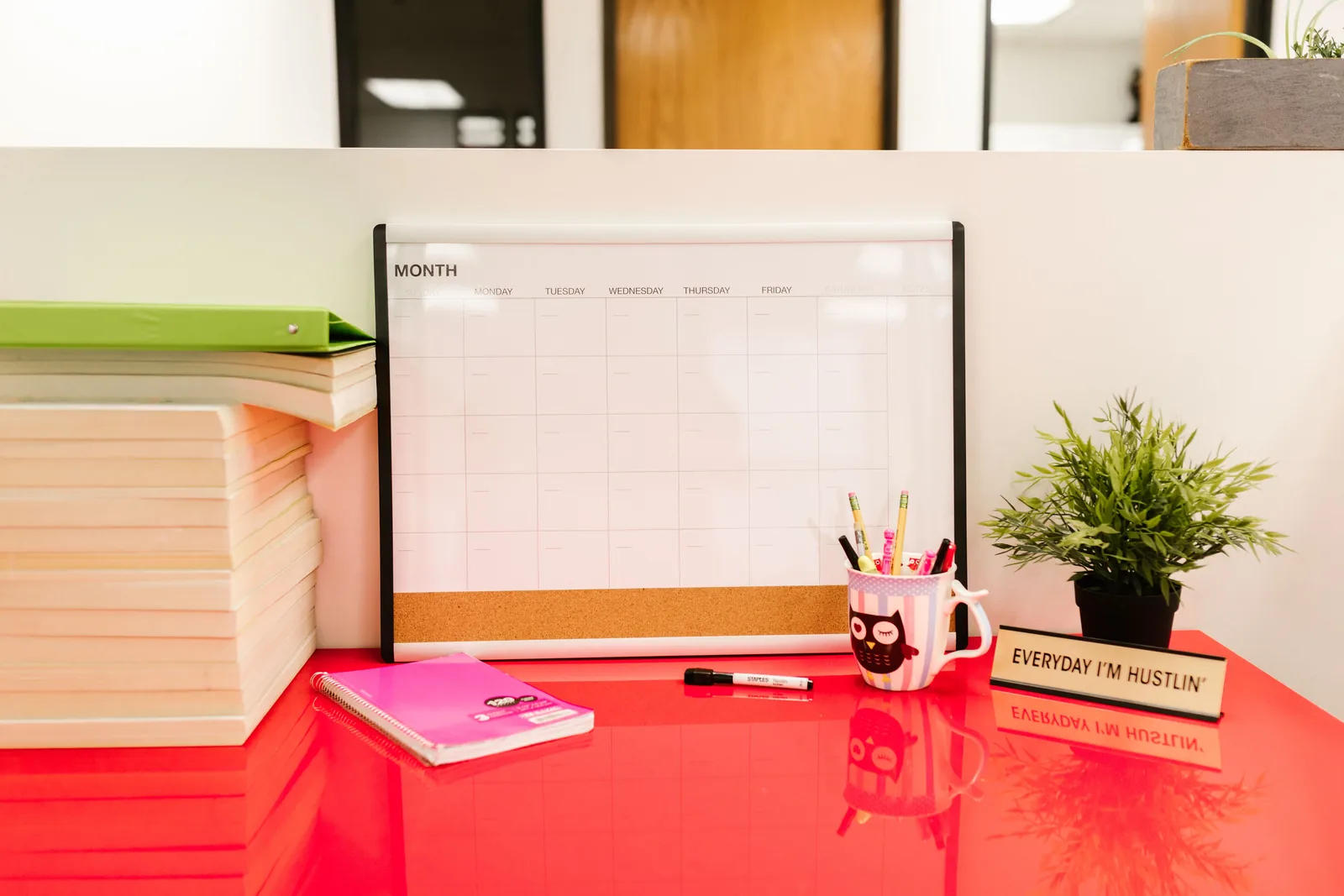
Your command center needs a single visible source for events that change family logistics. That does not mean abandoning a digital calendar. A wall calendar can be the household view while phones hold the full details.
Only copy over what other people need to know: school closures, appointments, practices, events, travel, early starts, and deadlines that require preparation. Filling the calendar with every personal reminder makes the important information harder to see.
If your family already uses a shared digital calendar reliably, the command center can hold a simple weekly view instead. The principle is the same: nobody should need to ask one person what is happening tomorrow.
2. Give incoming school papers one landing place
Paper becomes clutter when it is waiting for a decision in several different places. Create one inbox for everything that comes home but does not need to be handled that second.
When backpacks are emptied, paper goes into the inbox rather than onto the counter. This pairs naturally with your backpack and school supplies drop zone.
The inbox is temporary. Set a regular time — daily during especially busy weeks or a few times a week otherwise — to process it. Recycle what you do not need, add dates to the calendar, file reference material, and move action items to the action folder.
3. Separate “needs action” from “needs keeping”
This is the part that prevents signed forms from disappearing. Use one thin folder or wall pocket for papers that require something from you: sign, pay, complete, return, call, or bring.
Reference papers do not belong here. Neither do old school newsletters. The action folder should stay small enough that opening it immediately shows what remains unfinished.
For long-term paperwork, use your normal home filing system. A command center works best as an active workspace, not permanent storage.
4. Add only the weekly information you genuinely check
This could be a school timetable, a recurring activities list, a simple meal plan, or a short morning checklist. Resist the urge to display everything.
Ask one question before adding a sheet to the wall: Will seeing this here change what someone does? If not, it probably belongs in a file, on your phone, or nowhere.
The minimum viable command center
- One family calendar.
- One tray for incoming papers.
- One folder labeled “Action / Return.”
- One pen that stays there.
5. Put the command center where family traffic already happens
The best location is not necessarily a dedicated office. A small kitchen wall, the side of a cabinet, a hallway, or a corner near the entry can work better because people naturally pass it.
Avoid placing it somewhere visually perfect but inconvenient. If everyone drops backpacks at the door and the paper inbox is upstairs, the paper will continue living on the kitchen counter.
Connect it to your school-morning system
The command center holds information; your launch zone holds physical belongings. Together they remove two different kinds of morning friction.
During your evening back-to-school morning routine prep, glance at the calendar and action folder before packing bags. If tomorrow needs library books, sports gear, or a returned form, move that item to the launch zone immediately. Do not rely on remembering it in the morning.
A five-minute weekly reset
- Clear the paper inbox. Process every remaining piece.
- Check the action folder. Finish anything due early in the week.
- Look seven days ahead. Add missing school and family events.
- Remove stale information. Old schedules and completed notes leave the wall.
- Restock the basics. Put the pen back, replace a notepad if needed, and stop.
This reset fits neatly into a Sunday reset routine. The command center should take minutes to maintain, not become another household project.
How to set it up in a small space
- Inside a cabinet door: use a slim calendar or weekly sheet plus one adhesive pocket.
- On the refrigerator side: keep the calendar and action folder vertical so they do not consume counter space.
- In a narrow hallway: use a clipboard for the weekly view and a wall pocket below it.
- Completely digital household: keep the shared calendar digital but create a physical paper inbox for the few school items that still arrive on paper.
What not to put in your command center
Do not turn it into storage for every household document. Tax papers, warranties, medical records, old schoolwork, manuals, and sentimental papers need a filing or archive system elsewhere.
Also avoid adding a dozen trackers simply because they look organized. Habit charts, cleaning charts, meal planners, allowance systems, chore boards, and calendars can coexist, but they do not all need to live on one wall. Add a component only when it solves a recurring problem.
Common reasons command centers stop working
- There is no reset. Incoming paper keeps arriving but nothing leaves.
- The categories are too vague. “Important” is not an action. “Sign / Return” is.
- One adult is still the system. If everyone asks that person instead of checking the calendar, simplify the information and make it easier to see.
- It is too far from the drop zone. Put paper capture close to where bags are emptied.
- It tries to be decorative first. Make the workflow work before buying matching accessories.
Frequently asked questions
Do I need separate folders for each child?
Only if the volume of active paper makes one action folder confusing. Start with one. Split it later if you have a real reason.
Should the family calendar be paper or digital?
Use the format your household will actually check. Many families benefit from digital details plus a simple visible weekly or monthly view.
Where should completed school papers go?
Most routine notices can be recycled after the information is captured. Papers that genuinely need long-term reference belong in your filing system, not the active command center.
How big does the space need to be?
Not big at all. A clipboard and one wall pocket can hold the core system.
Back-to-School Home Systems Series
Build the school-year routine one small system at a time:
- The Back-to-School Home Reset: A Calm Routine for the First Week
- How to Build a Backpack & School Supplies Drop Zone That Stays Tidy
- The After-School Kitchen Reset: 10 Minutes to a Calm Evening
- Back-to-School Morning Routine: The System That Ends the Chaos
- Lunch Station Organization: A Simple System for Busy Mornings
- The Family Command Center: What to Include for the School Year ← you are here
- How to Reset Your Pantry for Back-to-School Snacking
Want a weekly household rhythm to pair with your family command center? Use the free Weekly Cleaning Schedule as your simple reset framework.
Get the Free Weekly ChecklistA family command center should make your home quieter, not busier. Start with a calendar, an inbox, and one action folder. Let those three pieces prove useful before adding anything else. When information has a home, you spend less time carrying the whole school week around in your head.